
A Professional Website Without a Web Developer
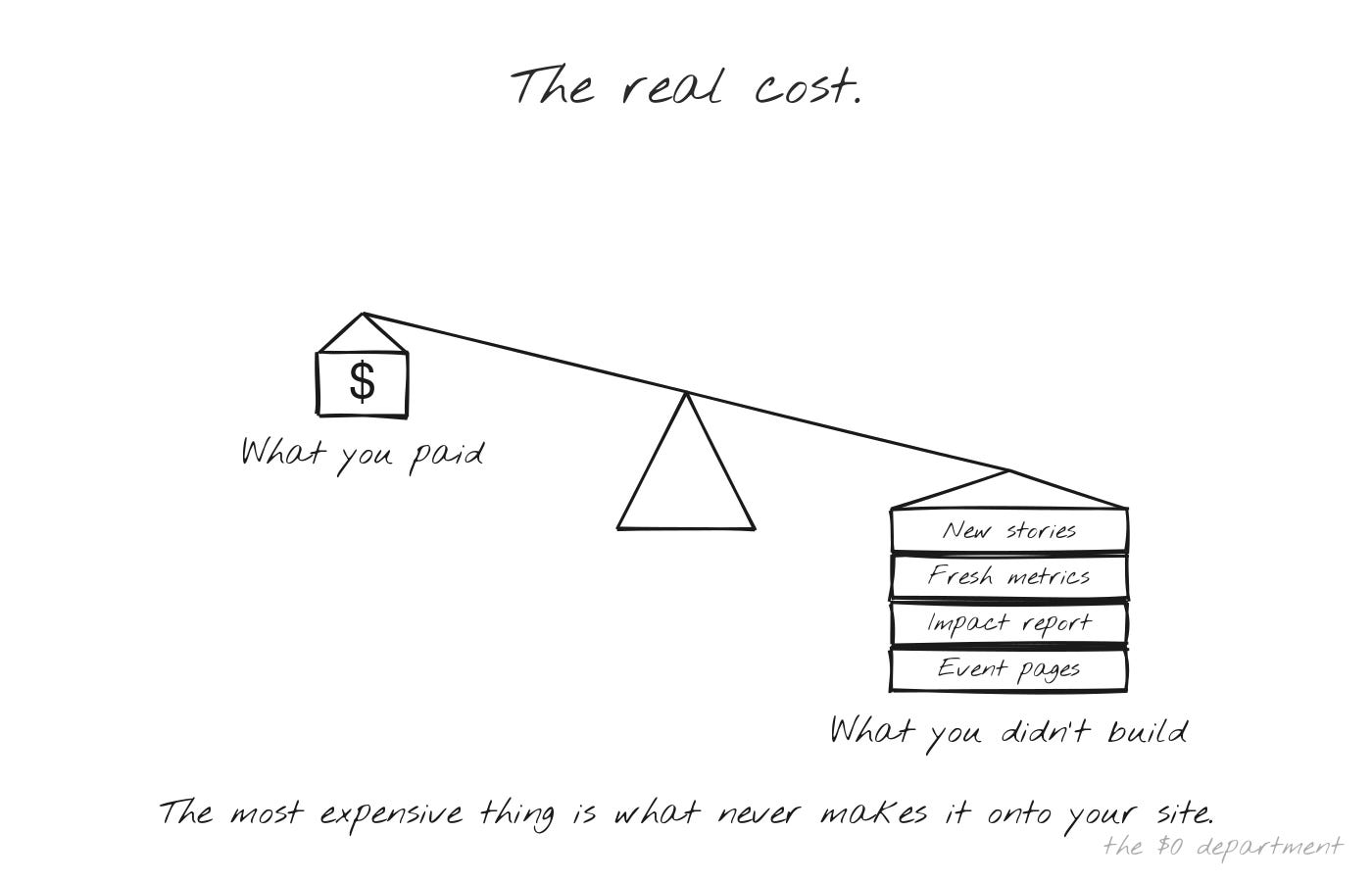
The most expensive thing about your website isn’t what you’re paying. It’s what you’re not building.

I rebuilt our entire coach recruitment page last month.
Not because it was broken. Because we had new data points about what coaching at Level Up actually looks like, a stronger story about why it matters, and I wanted to tell it. The old page was fine. It just wasn’t us anymore.
It took me about twenty minutes.
Six months earlier, that same update would have taken a full day. Maybe two. And honestly? I probably would have skipped it. Left the old page up. Moved on to something more urgent. Not because I didn’t care about how we presented coaching to the world. Because the effort required to change one page on our website made it not worth the fight.
The cost of a hard-to-update website isn’t what your site looks like. It’s what never makes it onto your site at all.
The updates that didn’t happen.
Before I get into what changed, I want to sit with that idea for a second.
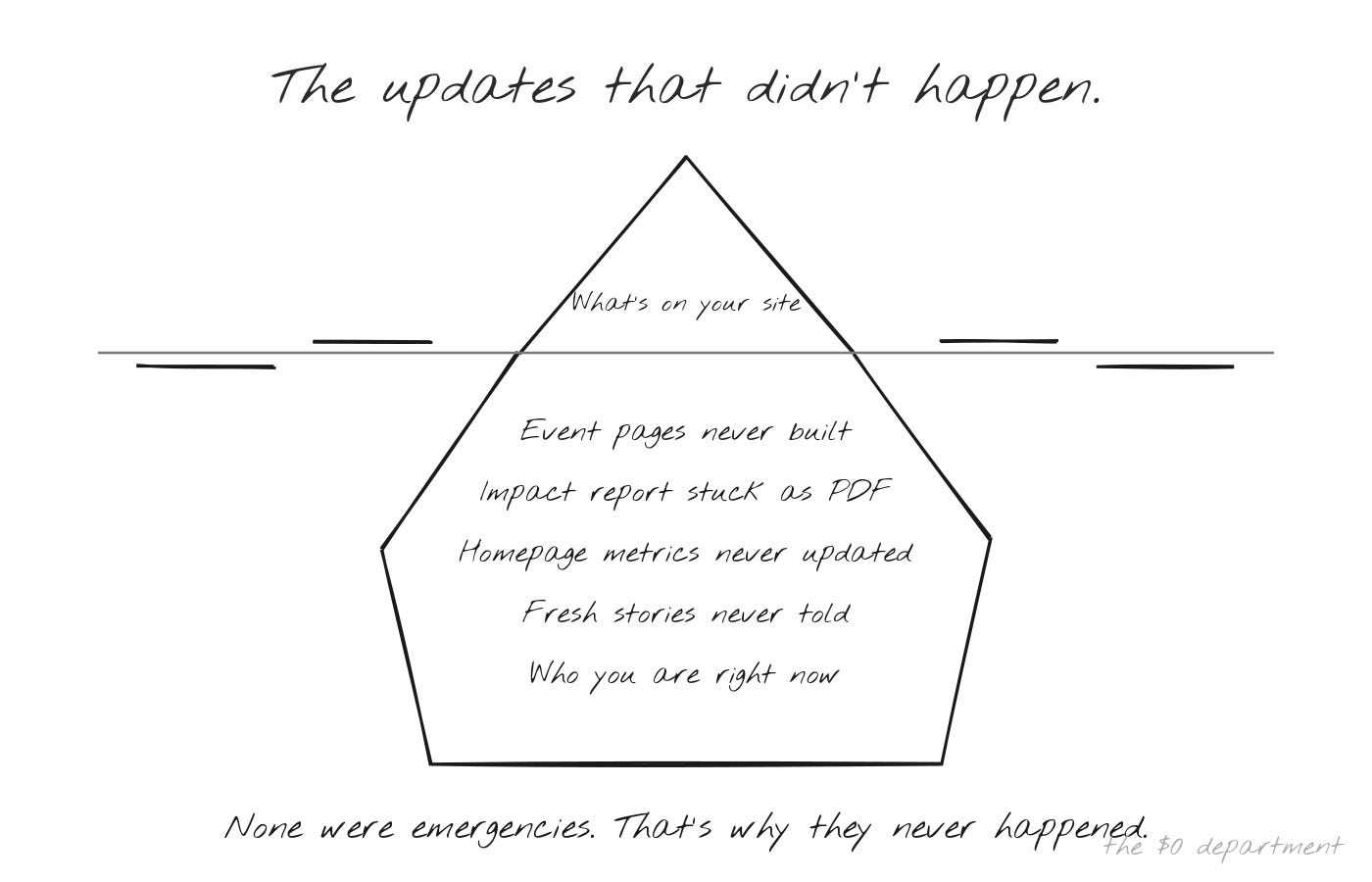
How many updates did I skip over the years because the friction wasn’t worth it? Event landing pages that stayed as basic placeholders. An impact report that lived as a PDF for two years because building it as a web experience would have taken weeks of design work. Metrics that sat in a spreadsheet instead of on the homepage because updating a single number meant rearranging an entire section.
None of these were emergencies. The site still worked. It loaded. It had our information on it.
But it wasn’t keeping up with the organization. Level Up was growing, evolving, getting sharper about who we are and what we offer. The website was a snapshot of the last time someone had the bandwidth to deal with it.
That someone was me. And I had a lot of other things on my plate.
Drag, drop, settle.
We’ve been on Squarespace since the beginning. And to be fair, Squarespace is a solid platform. It lets you build a decent-looking website without knowing how to code. Millions of organizations use it for exactly that reason.
But here’s the reality. Every page was a project. Click and drag this block here. Adjust the spacing. Check how it looks on mobile. Realize the template doesn’t quite do what you need. Work around it. Settle.
Hours per page. Sometimes a full day for something that should have been simple.
And the output, even after all that work, looked like every other Squarespace site built on the same template. You could customize it within the boundaries the platform gave you, but those boundaries were tight. The animations, the interactive elements, the design touches that make a site feel like yours and not a template. Those weren’t options.
So you ended up with a website that was functional and generic. It worked. But “works” and “represents who you are” aren’t the same thing.
Section by section, then all at once.
As I started working more with AI, I noticed it could produce solid HTML. Clean, responsive sections with the right colors and fonts if you told it what you needed. So I started there. One section at a time. I’d describe what I wanted, provide Level Up’s brand colors and typography, and get back something that looked better than what I could drag and drop in Squarespace.
That was the first unlock. But every new section meant re-explaining the brand from scratch. Colors, fonts, spacing preferences, the overall feel. It worked, but it was repetitive.
Then the tools improved. I was able to build skills in Claude where it already knew our brand guidelines, our design aesthetic, our website patterns. No more re-explaining. I’d say “build a section for coach testimonials” and it already knew what Level Up looks like.
That changed the economics entirely. I went from building individual sections to producing full pages. Then I took the biggest step. I created a VS Code project on my desktop that maps every page on our website in HTML. The entire site, structured as code, living in one place.
Now when I need to make an update, I tell Claude which page needs work, describe what I want, and it makes the change. I copy the HTML and paste it into Squarespace. What used to be a day of dragging blocks is now a conversation.
And here’s where it’s going next. We’ll eventually move away from Squarespace entirely to something like Vercel, where Claude can push changes directly. No copying and pasting. I’ll describe the update, probably through voice using Wispr, and it deploys. The only thing keeping us on Squarespace right now is a few MailChimp form integrations we haven’t migrated yet. That’s a small project we’ll get to.
The trajectory is clear. What started as “help me build one section” is becoming “I talk, the site updates.”
The impact report that became a website.
The best example of what this unlocks is our annual impact report.
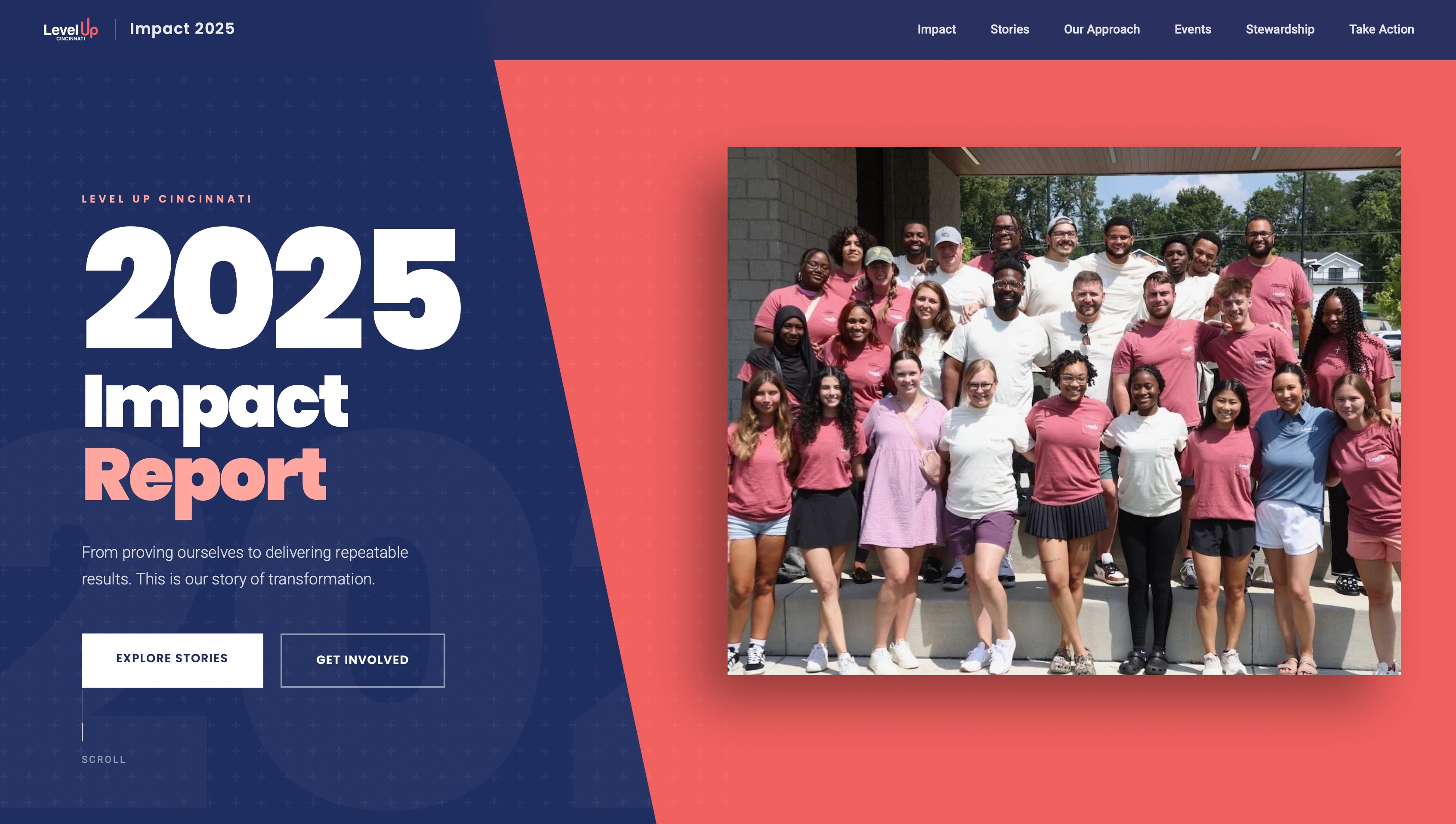
For years, impact reports meant the same thing for every nonprofit. Design a PDF. Spend days getting the layout right. Export it. Post a download link on your website. Hope people actually open it.
This year we did something different. We built the entire impact report as a live website. Interactive. Animated. Updated in real time as our numbers change. It lives on our site at impact.levelupcincinnati.org and it’s a fundamentally different experience than scrolling through a static PDF.
Donors can explore our metrics. Prospective coaches can see the program’s reach. Board members can share a link instead of attaching a file. And when our data changes, I update it. Not in a week. Not after a redesign cycle. That day.
This project, built as a standalone site by a developer or design agency, would have been a separate budget line. Probably several thousand dollars. We built it ourselves, and it’s more engaging than anything we would have gotten from a template.
That’s the thing about lowering the barrier. You don’t just do the same things faster. You start doing things you never would have attempted.
A hundred dollars a month.
Here’s the direct version of this.
If you’re paying a web developer or an agency to maintain your organization’s website, I can’t think of a structured argument for why that still makes sense. Not for a standard site with content pages, event information, forms, and basic interactivity.
A Claude subscription is a hundred dollars a month. The design skills that used to require a professional are now conversational. The technical barriers people cite, hosting, repositories, deployment, are solved by the same tool that writes the site. You don’t need to know how to code. You need to know what you want and be able to describe it.
The learning curve is light. And it gets easier every month because the tools keep improving. Things that were clunky weeks ago are smooth now. Designs that required multiple rounds of iteration six months ago land closer to right on the first try.
If your website is genuinely complex, a technical web application with custom backends and integrations, that’s different. But most organizational websites aren’t that. They’re content, forms, and a clear presentation of who you are. You can do that yourself now.
The person on your team who “doesn’t have the skills to build a website” has the skills to describe what they want. That’s the same thing now.
Showing up in a nice suit.
There’s something we believe deeply at Level Up. How you show up matters. First impressions are formed in seconds. The confidence that comes from knowing you’re presenting your best is real. It opens doors that don’t open otherwise.
Your website is your organization’s suit.
A prospective coach hears about you and looks you up. A donor checks your site before deciding whether to give. A university partner is evaluating whether you’re credible enough to work with.
Every one of those moments is a first impression. And if your site is outdated, generic, or clearly untouched for months, you’re starting behind before anyone reads a word.
For a small nonprofit, a polished and current web presence signals that you operate at a level your size wouldn’t suggest. Donors see a professional organization. Coaches see a program worth their time. Partners see someone they can trust.
The key word is current. Not polished once and left to age. Reflecting who you are right now, not who you were the last time someone had a free afternoon.
Good enough doesn’t matter anymore.
The toolbox.
Here’s what I use to build and maintain levelupcincinnati.org:
Claude: AI partner for writing HTML, designing sections, and iterating on pages
VS Code: project workspace mapping every page on the site
Squarespace: current hosting platform (migrating to Vercel)
Wispr Flow: voice-to-text for describing updates naturally
Level Up brand skill: Claude remembers our colors, fonts, and design patterns
This is the sixth post in The $0 Department: What Happens When a Nonprofit Stops Hiring and Starts Building. Subscribe to follow the full series.
Level Up Cincinnati empowers first-generation college students through mentorship, scholarships, and professional development. 100% of donations go directly to student programming. Learn more at https://levelupcincinnati.org